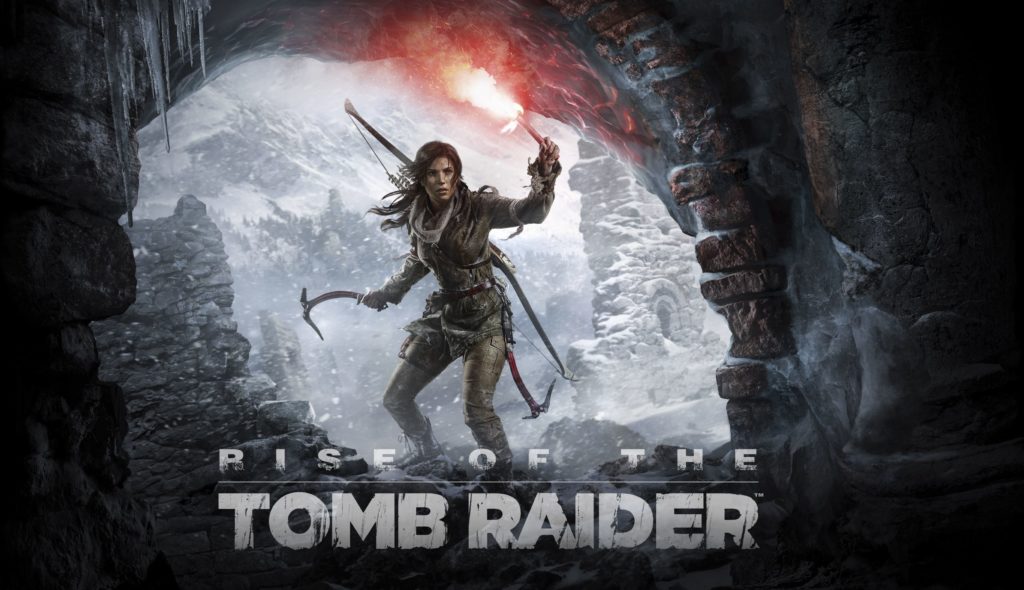
Are you fed up with the issues encountered while playing the Rise of the Tomb Raider game in your PC? Well to play this game without any glitches with check out the following post. As, it contains complete resolution regarding every small or big issues encountered during the Rise of the Tomb Raider game.
About The Rise Of The Tomb Raider Game:
Rise Of The Tomb Raider is the latest game and many users had reported that they are facing error in this game. The rise of the Tomb Raider is now available in Steam and had got lots of good reviews, but some of the users also complain about the bugs and errors. This game distributes a cinematic survival action adventure in which the user join Lara croft on her first tomb raiding expedition as she seeks to discover the secret of immortality.
MINIMUM PC Specs Requirement:
- Memory: 6 GB RAM
- Graphics: NVIDIA GTX 650 2 GB or AMD HD7770 2 GB
- Direct X: Version 11
- Processor: Intel Core i3-2100 or AMD equivalent
- Storage: 25 GB available space
- OS: Windows 7 64 bit
RECOMMENDED PC Specs Requirement:
- Processor: Intel Core i7-3770K
- DirectX: Version 11
- Storage: 25 GB available space
- OS: Windows 10 64 bit
- Graphics: NVIDIA GTX 980Ti 2560×1440 or NVIDIA GTX 970 1920×1080
- Memory: 8 GB RAM
So, without any further issue, here is the performance tuning guide for Windows Version of Rise of the Tomb Raider.
Some most common error faced by the user in this game is it crashes, Game not start, performance issues like low FPS, FPS Drops and freezing and various other minor bugs that can be fixed by following this article.
But before moving on to the fixes give it a try to the Game Booster to play the game flawlessly and without any error. This will also boost the game and helps the user to play game without any error. Apart from that it also helps in enhancing the Game FPS and fixing other errors.
Fixes To Resolve Rise Of The Tomb Raider Game Error & Issues
1) Rise of the Tomb Raider Crashes –
This is the most common problem that is encountered by most of the players. Players encounter crashes during launching the game or random crashes while playing the game.
2) Rise of the Tomb Raider Not Starting –
It is another issue that were encounter by some players that the game doesn’t even start and when they click the Play button in the Steam interface nothing happens.
3) Rise of the Tomb Raider Disk Write Error –
This is also reported by the users and when they face this issue it shows that user has a disk write error during installation of the game.
4) Rise of the Tomb Raider Low FPS –
This is common issues that are faced by many users. The FPS issues like low FPS, FPS drops and freezing issues. This is faced by the user as the game is not optimized well.
5) Reinstall Tomb Raider-
If you are getting the “application failed to initialize properly” error, then reinstalling the game is a better option to resolve such. Follow the steps given below to uninstall and reinstall the game.
- Go to the Start
- Choose the Control Panel and click on Uninstall a program under Programs.
- From the list of installed programs click on Tomb Raider.
- Tap to the Uninstall
- After uninstalling the game tap to the restart option on your PC
- Reinstall the game one more time.
Recommended Option:
Users also faces various problems in the game due to internal errors in the PC. So, it is suggested to scan your PC with the professional Windows Repair Tool.
As this tool is quiet efficient to fix unstable window OS components, like registry, junk files and much more. Besides that it also boost up your PC performance with 100% stability.
Conclusion:
Tomb Raider game are constantly reporting different error messages such as Failed to initialize, direct3d and Out of table range errors. But now you need not to worry for this. After trying the above mentioned fixes you will surely get rid of the Tomb Raider game error and issues.