How to Clear RDP Connections History in Windows 10

clear remote desktop history

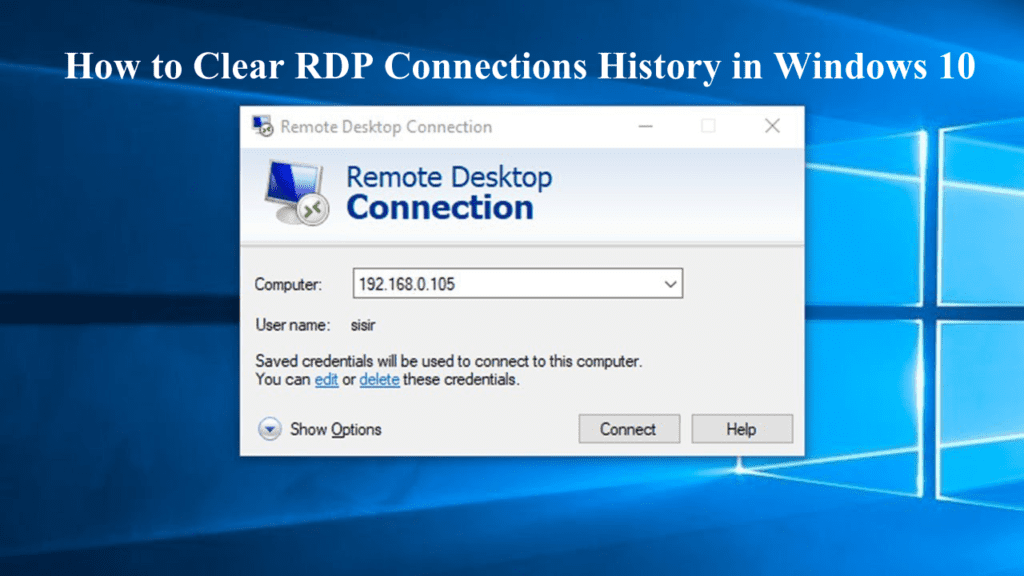
RDP (Remote Desktop Protocol) is the important settings of Windows 10, as this allows the user to remotely take control of any computer on the network. This software is included with several versions of Windows, including 2000, XP, Vista, 7, 8, 8.1 and 10. When the user connects to the Remote desktop server, then your connection history is saved so there is no need to remember the name or IP of the remote computer. This is also convenient to the consumer’s viewpoint, but also unsafe from the security point, especially when the RDP connection is instigated from a public or untrusted computer. The information about terminal sessions is stored individually to the computer. So as per privacy and security, you need to remove RDP history.
(more…)

FIX: Remote Desktop Connection Not Working Windows 10

Fix_ RDP not working properly in Windows 10

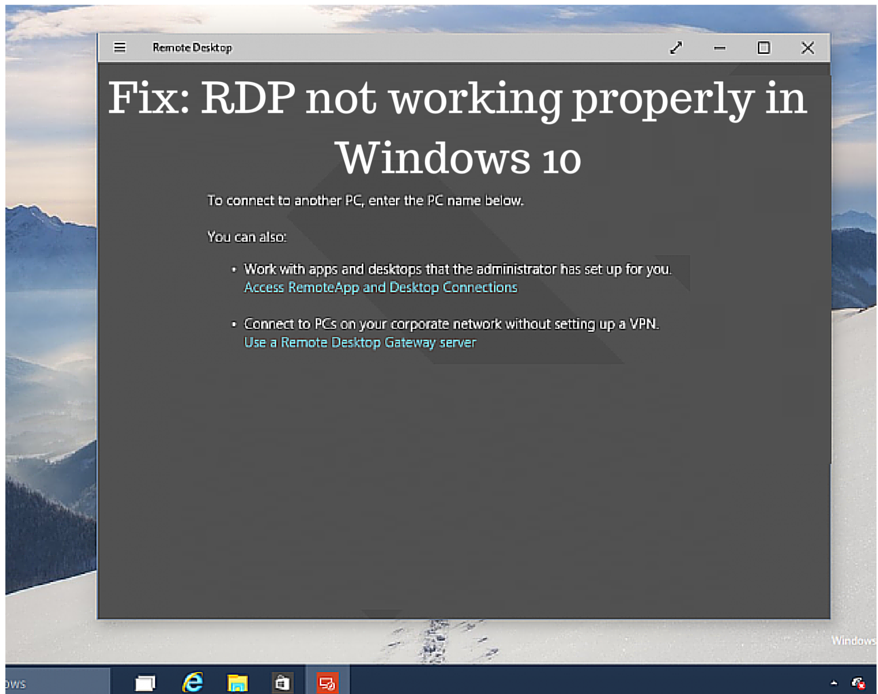
RDP (Remote Desktop Protocol) is an important feature of Windows 10. This allows the users to control the system from another device or regain files or provide PC support. This is convenient for the customers.  But if your system is not connected to the internet properly, then you are not able to make use of the RDP feature in Windows 10.  However, there are other factors as well that causes the Remote Desktop connection issue in Windows 10.

(more…)

Solved: Wi-Fi Issues in Windows 8.1

Fix Wi-Fi Issues in Windows 8.1

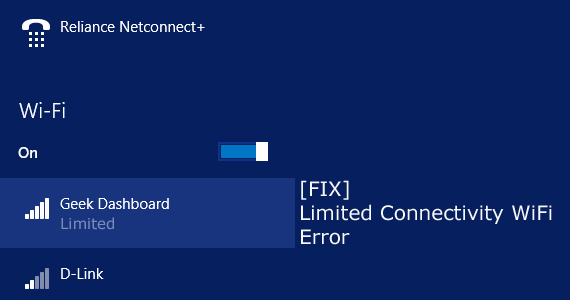
Limited Internet connection Wi-Fi or No Internet Access is the common problem faced by the user of Windows 8.1. This is commonly faced by the user who had upgraded their Windows 8 to Windows 8.1 upgrade. Well, it is common when you updated to any higher version it creates the problem in various fields. Since there might be many other issues but here I am going to give the complete solution about the Wi-Fi router connectivity problem.

(more…)