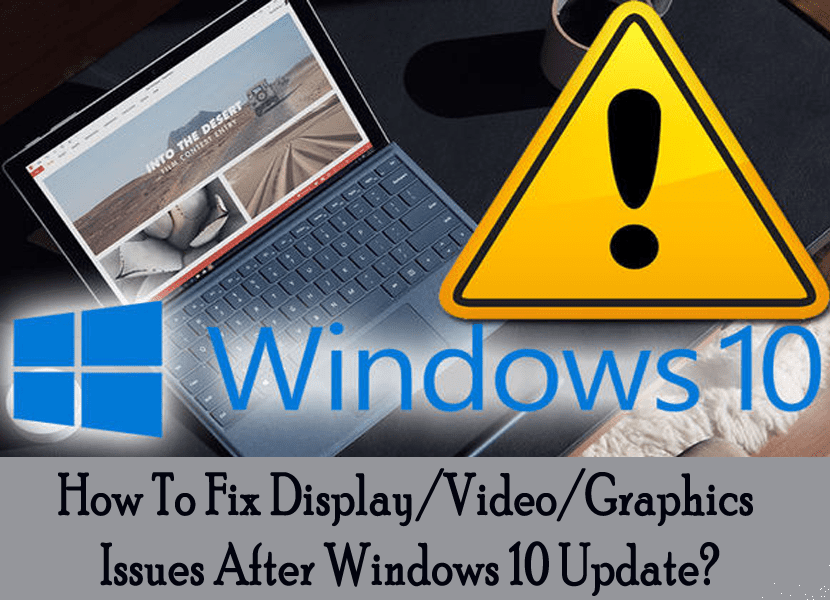
How To Fix Display/Video/Graphics Issues After Windows 10 Update

How To Fix display Graphics Issues After Windows 10 Update

After the Windows 10 Update are you encountering several of the Display/Video/Graphics issues? If the answer is yes, then you need to go through this complete post to know about the fixes. As in this post we have cultivated some best fixes to resolve display/video/graphics problem after Windows 10 update.

Remember: A display card is also called video card, a display adapter, a video adapter, a graphics adapter, or a graphics card.


(more…)

Methods to Fix Windows Security Certificate Warnings

Fix Windows Security Certificate Warnings

Seeing a security error message when you visit a client or other website and if you are using Windows and Internet Explorer then the browsers generate this error and when it attempts to open a website that has problematic security certificate you get the certificate is outdated or was issued by an entity that Internet Explorer does not support. It doesn’t matter what was the case, if you know the website is trustworthy, then you can pass the certificate error.

(more…)

How to Restore Windows 10 to Factory Settings?

Restore Windows 10 to Factory Settings

Is your Windows 10 PC is performing sluggish or you are encountering bugs and crashes on the regular basis, don’t get depressed and easy to tackle this problem is to simply reset your PC to its defaults, this will remove all programs, files and everything else that could be causing the problem. This process will bring your Windows 10 laptop or desktop to the state when it was first turned on.

(more…)

How to Restore and Reset Windows 8 to Factory Settings

Reset-And-Restore-Windows-8 to factory settings

We all have experienced the problem of PC crashing or performing unhurriedly or the weirdest you start facing unexpected system crashes, applications are not working properly and many other similar issues. Well, there are plenty of reasons behind this. It can be caused due to malware but if that not be the case then the only thing you can do is to wipe your computer and put it back to its factory default settings. This will simply clear out the entire clutter.

(more…)