
Are you the one struggling with the error code 0x80242006 while installing the latest Windows 10 update? Then read the article and follow the complete fixes to resolve Windows 10 update error 0x80242006.
Get Rid of PC Issues Instantly
Are you the one struggling with the error code 0x80242006 while installing the latest Windows 10 update? Then read the article and follow the complete fixes to resolve Windows 10 update error 0x80242006.
Are you facing issue while installing the Windows 10 latest October 2018 update or v1809, then in this guide, check out the how to fix the Windows 10 October 2018 update fails to install issue.
Windows 10 October 2018 update is now available for download, this latest Windows 10 v1809 is easily grabbed from the Microsoft’s update page.
Are you looking how to fix Taskbar Frozen issue in Windows 10, then this article is for you? Here check out the easy ways to fix Windows 10 taskbar frozen issue.
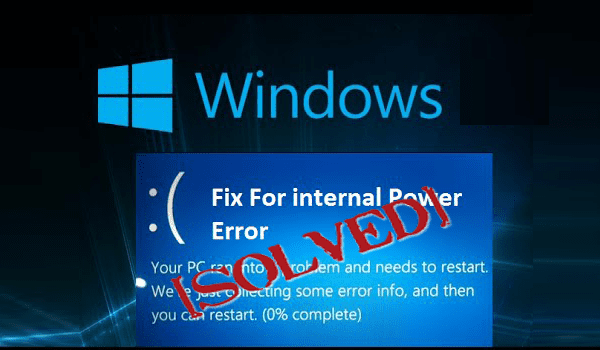
While trying to boot your computer into Windows, facing the problem and getting a blue screen with the error code: INTERNAL_POWER_ERROR, then you are not alone. There are many Windows 10 users and other Windows version users as well, who are found reporting about the Internal_Power_Error blue screen error on Windows 10.
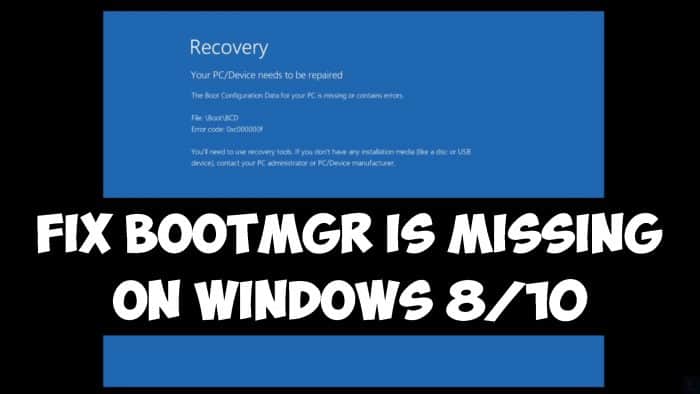
Summary: Are you struggling with the BOOTMGR missing Windows 10, 8, 8.1 & 7error message then in this tutorial follow the tested solutions to fix BOOTMGR missing error permanently.
While turning on the Windows PC getting the black screen that shows BOOTMGR is missing error message. Press Ctrl+Alt+Del to restart.
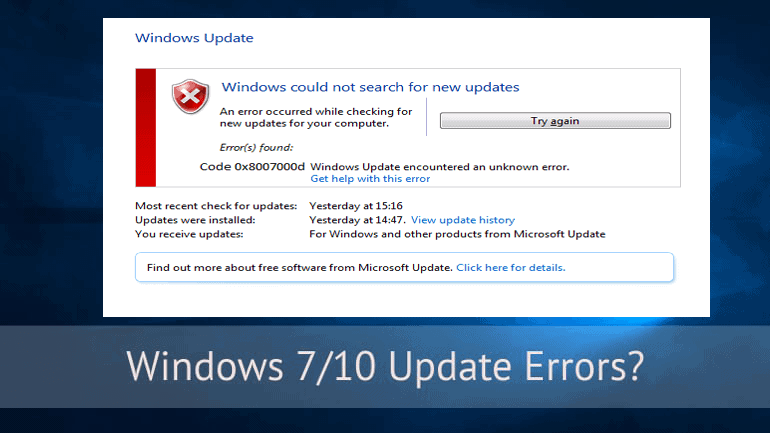
Struggling with the update error 0x8007000d while trying to install the latest Windows 10 update then this article is for you here check out the complete information about how to fix the Windows 10 update error 0x8007000d.
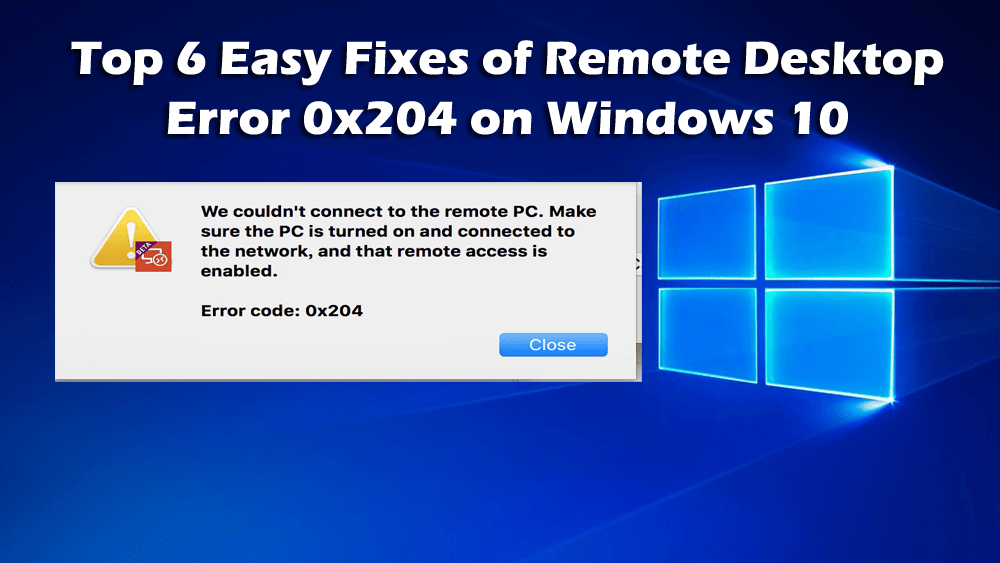
Summary: In this tutorial check out the complete information about the Windows remote desktop error code 0x204 and the easy ways to fix the remote desktop error 0x204 on Windows 10.
Remote desktop is a very useful option and can be used for controlling the Windows computer from another computer. This is a very handy and effective option that allows you to connect to your PC and have access to all your apps, files and network resources easily.